CronMon
cron date +%Y not working: the percent sign in crontab
The fix
If date +%Y is not working in cron although the same line runs in Terminal, the percent sign in the crontab is the cause. Put a backslash in front of every %. This line is wrong:
0 1 * * * tar czf /backups/site-$(date +%Y-%m-%d).tgz /srvThis one is right:
0 1 * * * tar czf /backups/site-$(date +\%Y-\%m-\%d).tgz /srvcron removes each backslash and hands the shell $(date +%Y-%m-%d), which is what you meant. Only a backslash does this. Single quotes, double quotes and $( ) protect nothing, because they are shell syntax and cron is not a shell.
The robust fix: a script
The % rule applies to the crontab line and nowhere else. Inside a script a percent sign is ordinary, so the escaping problem goes away and you can test the command by running the file:
#!/bin/sh
# /Users/you/bin/backup-site.sh
tar czf "/backups/site-$(date +%Y-%m-%d).tgz" /srv
chmod +x /Users/you/bin/backup-site.sh0 1 * * * /Users/you/bin/backup-site.shPrefer this for anything longer than a few words. A crontab line with three escaped percent signs is one edit away from having two.
What cron does with a %
cron reads the command before any shell does. The first % without a backslash ends the command. Everything after it is sent to the command on standard input, and each further unescaped % in that text becomes a newline. man 5 crontab puts it this way: "Percent-signs (%) in the command, unless escaped with backslash (\), will be changed into newline characters, and all data after the first % will be sent to the command as standard input."
So the wrong line above does not run tar with an odd file name. It runs this, with Y-, m- and d).tgz /srv as three lines of input:
tar czf /backups/site-$(date +The shell sees an unclosed $( and gives up before tar starts:
/bin/sh: -c: line 0: unexpected EOF while looking for matching `)'
/bin/sh: -c: line 1: syntax error: unexpected end of file
A shorter command fails more quietly. date +%Y >> /tmp/year.log becomes date +, which is valid: it prints an empty line and exits 0. The redirect came after the %, so it went to standard input with the rest, and the log file is never written.
Where the error goes
Not to your terminal. On a Mac, cron mails a job's output to the local mailbox, a plain text file that nothing opens for you:
tail -n 30 /var/mail/$USERThat is usually the only place the syntax error above is visible, which is how this bug sits in a crontab for months. Where does cron output go on a Mac? covers the mailbox, MAILTO and redirecting to a log instead. Put that redirect before any %, or in the script.
Using it on purpose
The rule exists so that a one-line crontab entry can feed text to a command. This mails a two-line message every Monday at 09:00:
0 9 * * 1 mail -s "Weekly" [email protected]%Line one%Line twocron runs mail -s "Weekly" [email protected] and gives it Line one and Line two, on separate lines, as standard input. Whether the message leaves the Mac depends on the Mac being able to deliver mail, which by default it cannot; the mechanism is the point here.
One thing the manual leaves out
crontab(5) does not mention it, but cron also turns two backslashes, \\, into a single backslash in the command. A sed or grep pattern that depends on a doubled backslash reaches the shell with one. It is another reason to keep anything intricate in a script.
None of this is specific to macOS. Apple's cron is Vixie cron, and the Vixie-derived crons on Linux treat % the same way, so an escaped line is correct on both.
Or have the % pointed out before 1 a.m. does it
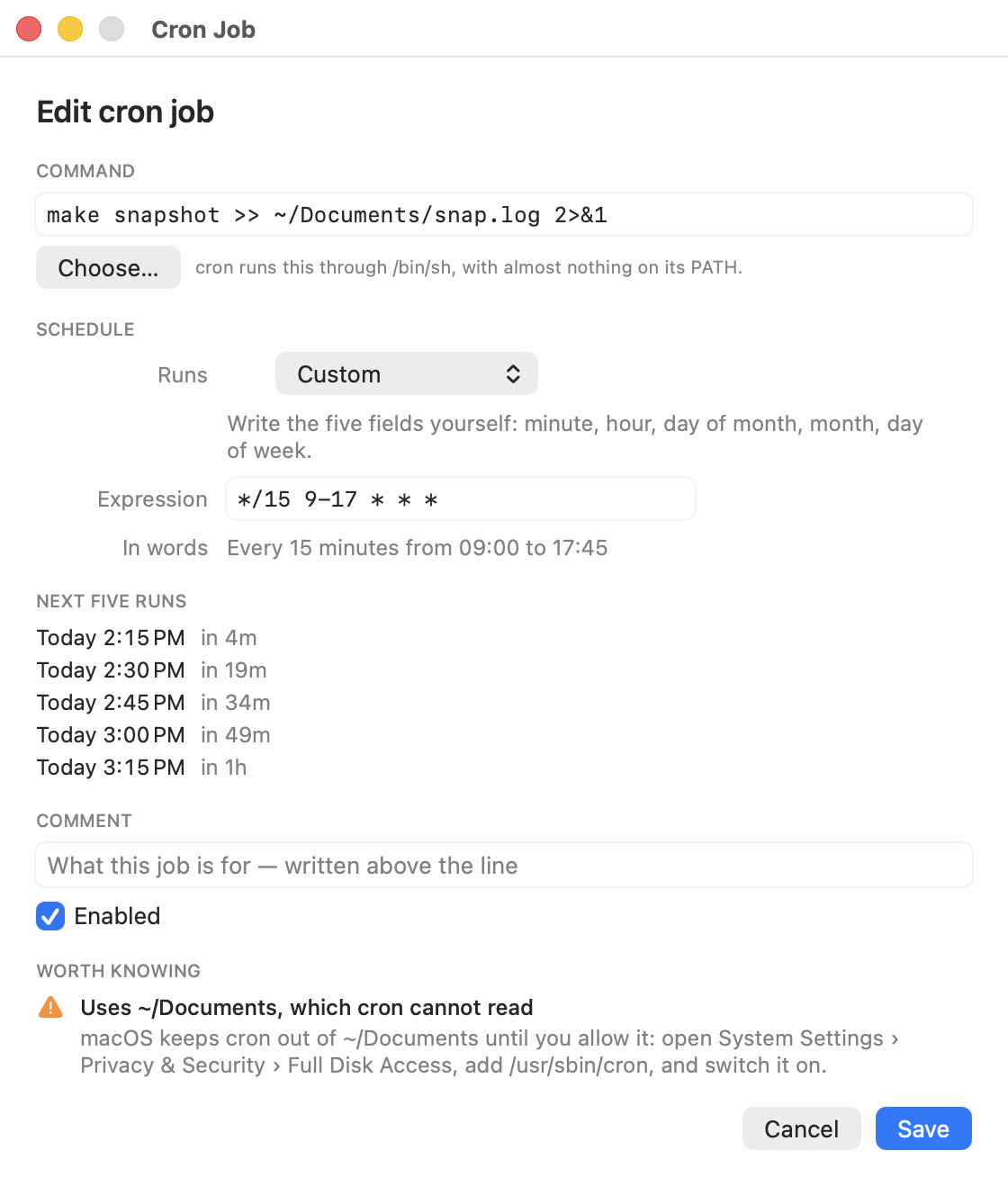
CronMon warns about an unescaped % on any crontab line it finds one in, and again in its editor while you type. Its Run Now runs a cron job the way cron does — cron's sparse environment, the crontab's SHELL, and cron's own reading of % — so the truncated command fails in front of you instead of in a mailbox.