CronMon
Where does cron output go on a Mac?
The answer
cat /var/mail/$USERAnything a cron job prints on standard output or standard error is mailed to the account that owns the crontab, and on macOS that mail is appended to a plain text file at /var/mail/<user>. No Mail.app account is involved, nothing notifies you, and the file does not exist until a job has printed something.
Each message looks like this, one per run:
From you@mac  Wed Sep 17 04:30:00 2026
Subject: Cron <you@mac> /Users/you/bin/daily.sh
X-Cron-Env: <PATH=/usr/bin:/bin>

/Users/you/bin/daily.sh: line 4: rsync: command not found
The Subject line names the command, so you can tell which job it came from, and X-Cron-Env shows the environment it ran with — often the whole explanation on its own.
Reading it more comfortably
mail opens the mailbox (d deletes, q quits). The other two lines show the end of the mailbox, and the most recent cron messages by their subject lines:
mail
tail -n 50 /var/mail/$USER
grep -A5 '^Subject: Cron' /var/mail/$USER | tail -40
Quitting mail with q does not delete what you read: man mail says it saves “all undeleted, unsaved messages in the user's mbox file in his login directory”, so read messages move out of /var/mail into ~/mbox, while x quits without changing either file (more in “You have mail” in Terminal on a Mac).
To keep read messages in /var/mail instead, add set hold to ~/.mailrc. man mail describes the hold option as one “used to hold messages in the system mailbox by default”; the default is nohold, which is why they move to ~/mbox.
The file grows forever. Empty it when it gets long:
: > /var/mail/$USERMAILTO
A MAILTO line at the top of the crontab changes where output goes, for every job below it:
MAILTO=""
0 4 * * * /Users/you/bin/daily.sh
An empty value is cron's way of saying "do not mail me": output is discarded. Setting a real address only works if this Mac can actually deliver mail, which by default it cannot — a plain Mac has no working outbound mail transfer agent, so [email protected] usually loses the output silently. Either keep the local mailbox, or redirect.
Better: redirect to a log
0 4 * * * /Users/you/bin/daily.sh >> /tmp/daily.log 2>&1>> appends instead of replacing, and 2>&1 sends errors to the same place — without it, errors still go to mail and you will think the job succeeded. A log under /tmp is cleared on reboot; put it in ~/Library/Logs/ to keep it, which is also where Console shows it.
A cron job with no output sends no mail at all. That is why "it worked" and "it never ran" look identical, and why a timestamp line at the end of the script is worth its space:
0 4 * * * { date; /Users/you/bin/daily.sh; } >> ~/Library/Logs/daily.log 2>&1Make a failure tell you
A log you have to remember to read is barely better than a mailbox you never open. Have the job speak up when it fails:
0 4 * * * /Users/you/bin/daily.sh >> ~/Library/Logs/daily.log 2>&1 || \
  /usr/bin/osascript -e 'display notification "daily.sh failed" with title "cron"'
The || runs the second command only when the first exits non-zero, and osascript lives in /usr/bin, so it is on cron's PATH. A notification posted this way has no app of its own behind it, so macOS files it under whichever identity it chooses and the alert has to be allowed in System Settings › Notifications before it shows. Run the osascript line by hand once to see where it lands and to answer that prompt.
What about the unified log?
There is nothing in it. Cron writes no entries to the unified log at any level, so
log show --last 1d --predicate 'process == "cron"'comes back empty whether your job ran, failed, or never started. This is the difference people trip over between cron and launchd: a launchd job's standard output can be pointed at a file with StandardOutPath, and launchctl print will tell you the run count and the last exit code afterwards. Cron keeps no such record. The mailbox and your own redirect are the only evidence a cron job on macOS ever leaves behind.
Or read the last output without leaving the menu bar
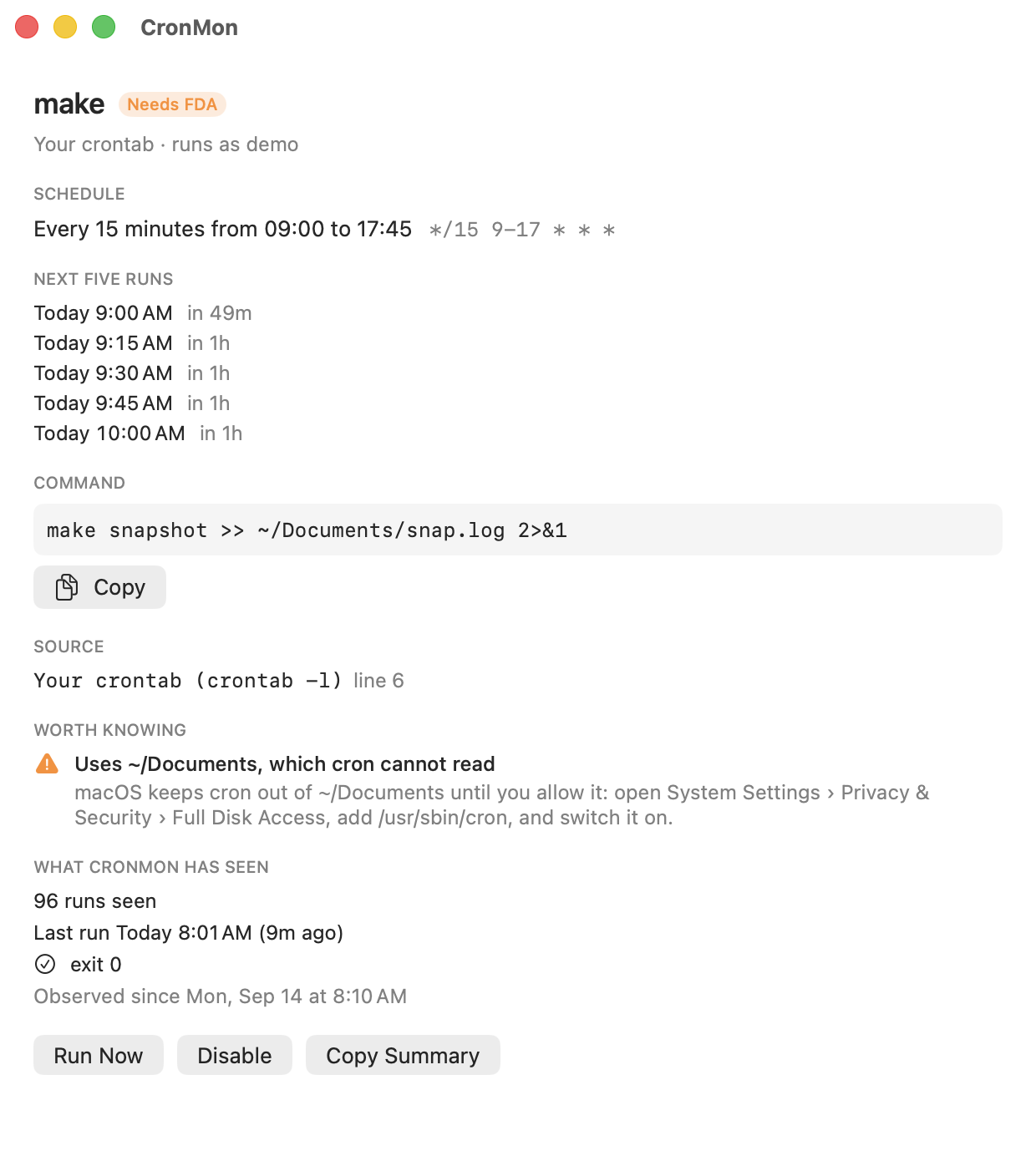
CronMon shows each cron job's last message from the local mailbox in its detail view, next to the runs CronMon itself watched happen — start time, how long it took, exit code. It also warns about jobs whose output is being mailed nowhere useful, before you go looking for a log that was never written.