CronMon
cron: command not found on a Mac
The fix
The command works in Terminal and fails under cron because cron does not use your PATH. The failure lands in your local mailbox, not on screen, and reads like this, with exit status 127:
/bin/sh: node: command not foundAsk your own shell where the command lives, then write that path into the crontab line:
command -v node
/opt/homebrew/bin/node
*/10 * * * * /opt/homebrew/bin/node /Users/you/bin/sync.jsOr put one PATH line at the top of the crontab. It applies to every job below it, so bare names work again:
PATH=/opt/homebrew/bin:/usr/local/bin:/usr/bin:/bin

*/10 * * * * node /Users/you/bin/sync.js
Homebrew installs into /opt/homebrew/bin on Apple silicon and /usr/local/bin on Intel Macs. Listing both costs nothing.
What cron actually gives a job
Almost nothing. man 5 crontab lists what the daemon sets: SHELL is /bin/sh, and HOME and LOGNAME come from your account record, with USER set as well on macOS. Add PATH=/usr/bin:/bin and whatever your crontab sets, and that is the whole environment. No ~/.zshrc, no ~/.zprofile, no LANG, no TERM, and none of the tokens you export in your profile.
To see it for yourself, add a throwaway line, wait a minute, then take it out again:
* * * * * /usr/bin/env > /tmp/cron-env.txtTo try a command in that environment without waiting for cron, run it from an empty one in Terminal:
env -i HOME="$HOME" LOGNAME="$USER" USER="$USER" SHELL=/bin/sh \
  PATH=/usr/bin:/bin /bin/sh -c 'node --version'
If that prints command not found, so will cron.
What the PATH line cannot do
An environment line in a crontab is not shell code. cron stores the value exactly as written, so these do not do what they look like:
PATH=$PATH:/opt/homebrew/bin
PATH=~/bin:/usr/bin:/bin
PATH=/opt/homebrew/bin:/usr/bin:/bin  # Homebrew
The first adds a directory literally named $PATH. The second does not expand ~, so write /Users/you/bin. The last one fails because a crontab allows no comment on the same line as a setting: everything after the = becomes the value, comment included. Put comments on their own line. And the PATH line only covers the jobs below it, so keep it at the top.
Found, but not the one you meant
The quieter version of this problem is a command that exists in /usr/bin as well. macOS has its own /usr/bin/python3, which runs the Python that comes with Xcode or the Command Line Tools. Under cron, python3 is that one, not Homebrew's, so the job runs and then fails with ModuleNotFoundError for a package you installed into the other Python. The same goes for a script whose first line is #!/usr/bin/env python3: env searches cron's PATH and finds Apple's.
A script that starts #!/usr/bin/env node and finds nothing fails with a different message:
env: node: No such file or directoryBoth are the same PATH problem. The fixes above apply, or give the script an absolute shebang such as #!/opt/homebrew/bin/python3.
nvm, pyenv, rbenv, asdf and conda
Version managers put their commands on PATH from a line in ~/.zshrc, which cron never reads. Point the crontab at the real file instead. For pyenv, rbenv and asdf that is the shims directory (/Users/you/.pyenv/shims and its equivalents); for nvm it is the versioned directory that command -v node prints, such as /Users/you/.nvm/versions/node/v22.11.0/bin/node. That path changes when you install a new Node, so the crontab has to change with it. For a conda environment, use the environment's own bin/python rather than conda activate.
Borrowing your login shell
Setting SHELL=/bin/zsh in the crontab changes which shell runs the command, not what it reads: cron runs it as /bin/zsh -c, which is neither a login nor an interactive shell, so it reads ~/.zshenv and skips the rest. Asking for a login shell reads ~/.zprofile too, which is where Homebrew's installer puts its brew shellenv line:
0 7 * * * /bin/zsh -lc 'node /Users/you/bin/sync.js'It still skips ~/.zshrc, where most version managers and aliases live, and it makes the job depend on a profile you might change for other reasons. Use it knowing that.
The most robust fix: a script that sets its own PATH
Inside a script, $PATH expands the way you expect, because it is a shell and not a crontab:
#!/bin/sh
# /Users/you/bin/sync.sh
export PATH="/opt/homebrew/bin:/usr/local/bin:$PATH"
export LANG=en_US.UTF-8
cd /Users/you/project || exit 1
node sync.js
*/10 * * * * /Users/you/bin/sync.sh >> /tmp/sync.log 2>&1The script now runs the same way from Terminal, from cron and from launchd, and the environment it needs is written down in one place. The cd matters as well: a cron job starts in your home directory, not the folder you were in when you wrote it.
If the command is found and the job still fails
Then it is something else. A job that touches Desktop, Documents, Downloads or an external volume needs Full Disk Access for cron. For the error text itself, where cron output goes covers the mailbox and redirects. For everything else, crontab is not running on macOS has the checks in order.
Or be told which command cron will not find
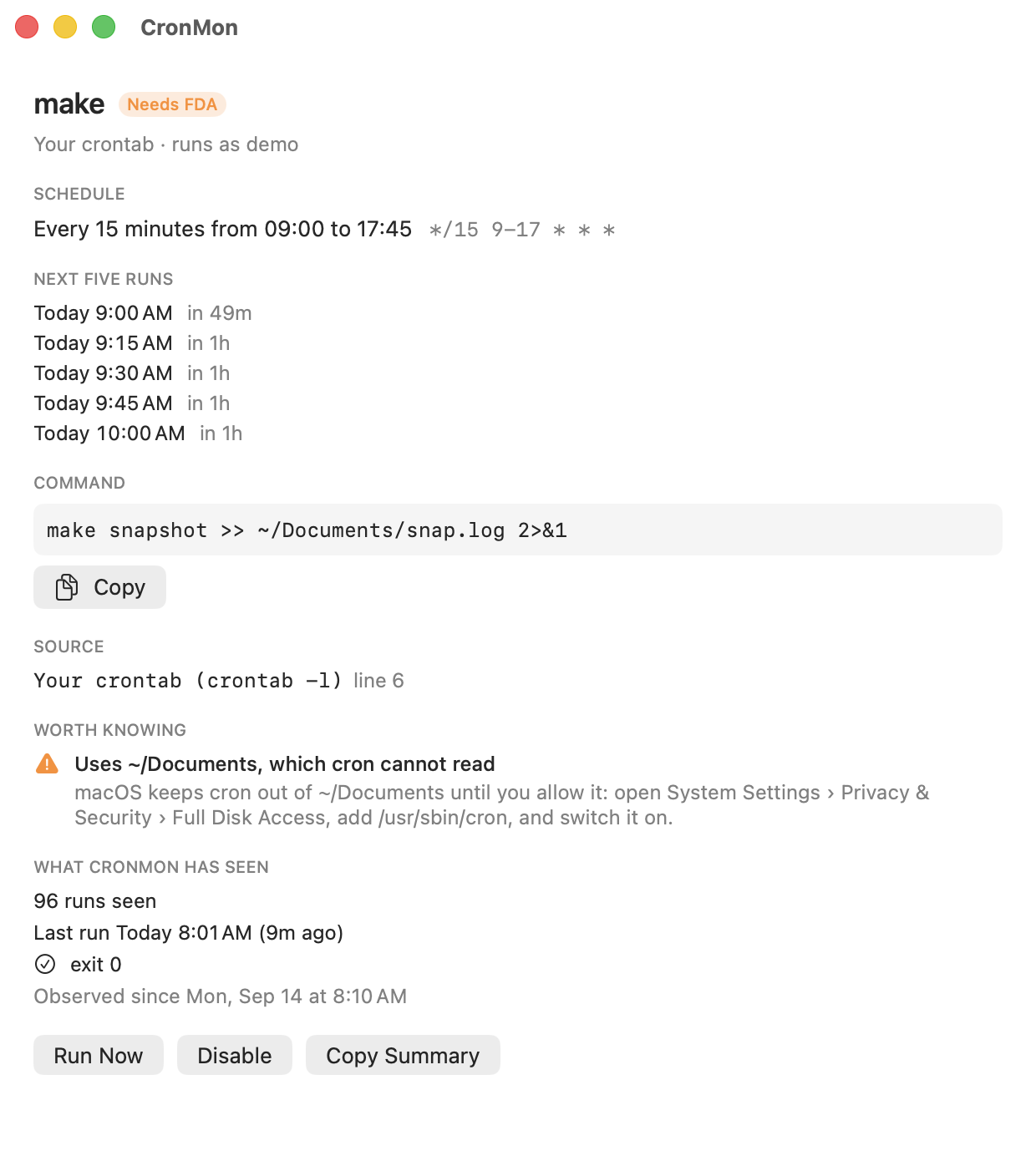
CronMon looks up the program each cron job starts with on cron's PATH — the one your crontab sets, or /usr/bin:/bin if it sets none — and when cron will not find it, says so and names the directory it is actually in. Its Run Now runs the job with the environment cron would give it, so a command not found shows up in front of you rather than in a mailbox. Crontab Settings edits the PATH line for you.