CronMon
“You have mail” in Terminal on a Mac
The answer
A new Terminal window that opens like this
Last login: Sat Oct 17 00:35:12 on ttys000
You have new mail.
is telling you that the file /var/mail/<your user name> is not empty. Nothing went to your email address, and Mail.app has nothing to do with it. On a Mac that file is almost always written by cron: anything a cron job prints is mailed to the crontab's owner, and local mail ends up there.
The message comes from /usr/bin/login, which Terminal runs for each new window before it starts your shell. Apple's source for login does exactly one check:
if (cx && stat(cx, &st) == 0 && st.st_size != 0)
	(void)printf("You have %smail.\n",
	    (st.st_mtime > st.st_atime) ? "new " : "");
So the file has something in it, and if it changed after it was last read, you get the word “new”. Reading it drops “new”. Only emptying it makes the line go away.
See what is in it
ls -l /var/mail/$USER
grep '^Subject: Cron' /var/mail/$USER | sort | uniq -c | sort -rn
Every message cron sends has the subject Cron <you@your-mac> followed by the command exactly as it appears in your crontab, so the second line lists each job that has been writing to the mailbox and how many messages it has sent. crontab -l shows the crontab those commands come from.
Read the newest messages before you throw them away. A job that mails you every run is often a job that fails every run, and the reason is in the body: command not found, Operation not permitted, a Python traceback.
tail -n 40 /var/mail/$USERRead it and clear it
The built-in mail command opens the mailbox and lists the messages. Press Return to read the next one. To delete them all and leave:
d *
q
* means every message. Watch out for q on its own: man mail says it ends the session “saving all undeleted, unsaved messages in the user's mbox file in his login directory”. The messages you read move out of /var/mail into a file called mbox in your home folder. They are not deleted. x quits without changing anything.
If the mailbox is empty, mail tells you so:
No mail for youTo empty it in one go without reading it:
: > /var/mail/$USERThat truncates the file rather than deleting it. /var/mail belongs to root and the mail group, and deleting a file needs write permission on its folder. The file itself is yours, so you can empty it. An empty mailbox is enough to make the line go away, because login only reports a file whose size is not zero.
Stop it coming back
Clearing the mailbox fixes this morning. The job that wrote to it will write again on its next run. You fix it in the crontab, on the job's line. Send the output to a log you can read:
0 4 * * * /Users/you/bin/daily.sh >> ~/Library/Logs/daily.log 2>&1Both halves matter. >> moves standard output, and 2>&1 moves errors with it. Leave off the second half and the errors keep arriving as mail.
Or, if you never want any job's output, add this line at the top of the crontab with crontab -e:
MAILTO=""From man 5 crontab: “If MAILTO is defined but empty (MAILTO=""), no mail will be sent.” The output is not saved anywhere either, so a failing job then fails silently. Use it only for jobs whose output you have already checked. Where does cron output go on a Mac? covers MAILTO, logs and a notification on failure in more detail.
Hiding the message instead
touch ~/.hushloginman login: “If the file .hushlogin exists in the user's home directory, all of these messages are suppressed”. That means the mail line, the Last login line and the message of the day. The mailbox still grows. Nothing tells you about it any more, and you still don't know why the job prints. Fix the job first. Use .hushlogin only if you want a quieter window as well.
“You have new mail.” between commands
If the line appears just before a prompt while you work, rather than when a window opens, it comes from zsh, not from login. zsh only checks for mail when MAIL or mailpath is set. On macOS login sets neither, so something in your own startup files does. Point MAIL at a scratch file and write to it, and the next prompt is preceded by the notice. MAILCHECK is the number of seconds between checks; it defaults to 60, and 1 makes the demonstration quick:
% MAIL=/tmp/test-mbox MAILCHECK=1
% echo "From cron" >> /tmp/test-mbox
You have new mail.
%
To find where it is set, and to stop it for the current session:
grep -n 'MAIL' ~/.zshenv ~/.zprofile ~/.zshrc ~/.zlogin 2>/dev/null
unset MAIL mailpath
Remove the line from the file that sets it to stop it for good. The mailbox is the same one as above, so the cleanup and the crontab fix are the same too.
Or see which job is writing to it
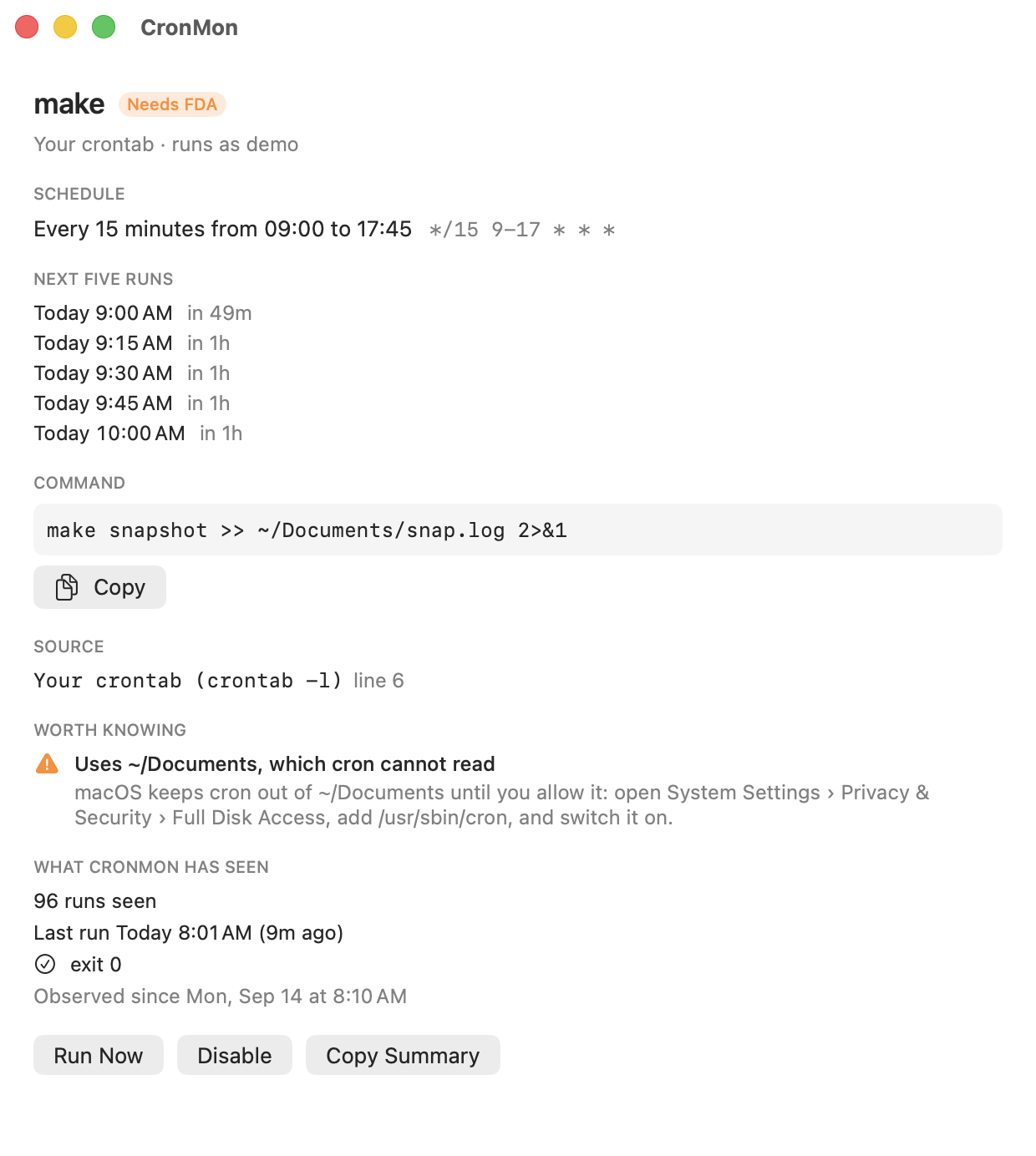
CronMon matches each message in /var/mail to the cron job that sent it, by the command in its subject line, and shows that job's last output in its detail view. A job whose output still goes to the mailbox gets a note, “Output goes to /var/mail/you”, with the redirect and MAILTO="" fixes. CronMon only reads the mailbox. Deleting messages is still up to you.