CronMon
Cron to launchd converter
What changes when launchd runs it
The plist above keeps the schedule. These are the things cron did for you, or did differently, that a launchd job does not.
No PATH and none of your shell setup
launchd starts the program directly with a short environment: no ~/.zshrc, no Homebrew, no virtualenv. A bare python3 or node is looked up on launchd's standard path, /usr/bin:/bin:/usr/sbin:/sbin (launchd.plist(5): a relative first argument "is resolved using _PATH_STDPATH"). Use full paths, or add the variables the job needs:
<key>EnvironmentVariables</key>
<dict>
  <key>PATH</key>
  <string>/opt/homebrew/bin:/usr/local/bin:/usr/bin:/bin:/usr/sbin:/sbin</string>
</dict>
launchd does not run a shell either, so ~, $HOME, pipes and >> mean nothing in ProgramArguments unless the command goes through /bin/sh -c. The converter does that whenever your command uses shell syntax, the same way cron runs every command (crontab(5): the command "will be executed by /bin/sh"). Paths in the plist itself, such as StandardOutPath, must be absolute.
Sleep and wake
cron skips a run if the Mac is asleep at that minute. launchd runs it at wake instead: "Unlike cron which skips job invocations when the computer is asleep, launchd will start the job the next time the computer wakes up. If multiple intervals transpire before the computer is woken, those events will be coalesced into one event upon wake from sleep" (launchd.plist(5), StartCalendarInterval). So a job that missed three nights runs once, not three times. That promise covers StartCalendarInterval only; StartInterval "will be missed" while asleep. If the Mac was shut down, nothing catches up. More in Does cron run when a Mac is asleep?
Load, test and unload
Save the plist in ~/Library/LaunchAgents, check it, and bootstrap it into your login session. These are the modern launchctl verbs; the old load and unload still work but tend to answer any problem with error 5.
plutil -lint ~/Library/LaunchAgents/com.you.backup.plist
launchctl bootstrap gui/$(id -u) ~/Library/LaunchAgents/com.you.backup.plist
launchctl print gui/$(id -u)/com.you.backup        # state, runs, last exit code
launchctl kickstart -p gui/$(id -u)/com.you.backup  # run it now
launchctl bootout gui/$(id -u)/com.you.backup       # unload it
To change the plist later, bootout, edit, then bootstrap again: launchd does not reread the file on its own. Once the launchd job works, delete the line from crontab -e so it does not run twice.
Where the output goes
cron mails whatever a job prints to /var/mail. launchd throws it away unless the plist says where to write it, which is why the converter adds StandardOutPath and StandardErrorPath. It picks ~/Library/Logs when the command shows your home folder, and /tmp otherwise; /tmp is emptied on restart, so change it to a real path for anything you want to keep.
Things the converter will not write
- A day of the month and a day of the week that must both match. When both day fields are restricted cron runs on either one (crontab(5): "30 4 1,15 * 5 would cause a command to be run at 4:30 am on the 1st and 15th of each month, plus every Friday"), and launchd's Day and Weekday keys OR the same way, so that converts. But cron decides by whether a field starts with *: 0 0 */2 * 1 means odd days that are also Mondays, and launchd has no way to say "and".
- A month together with a weekday, such as 0 8 * jan mon-fri. The man page does not say Weekday honors Month, and Apple's last published launchd source works out Weekday runs without it, so the plist would likely run every month.
- More than 1000 dictionaries. launchd has no ranges, lists or steps, so every combination of the restricted fields is one dictionary. A field that covers every value is left out, since a missing key is a wildcard, which keeps */15 * * * * at four dictionaries. Above 50 the page warns.
Sources: man 5 crontab and man 5 launchd.plist on macOS; for the edge cases the man page leaves open, calendarinterval_setalarm and cronemu_wday in Apple's open-source launchd-842 (src/core.c). The cron parsing and the sentences are the same as in the CronMon app.
See every job on one timeline
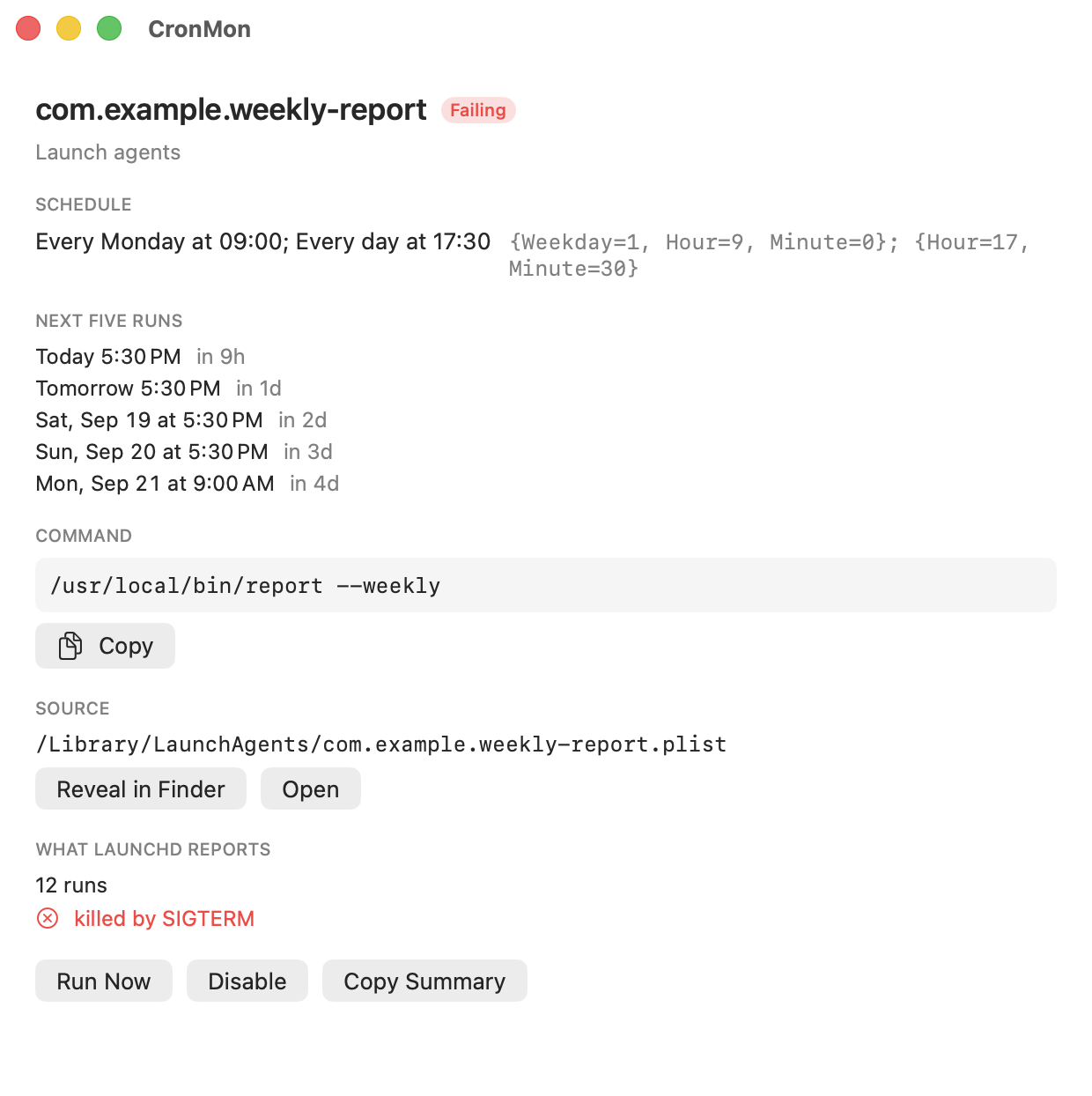
CronMon shows every cron job and launchd agent on your Mac on one timeline, and tells you why a job never fired.